1. Instructions for Accessing your NetExchange Client Account
Once your NetExchange Client account has been configured, follow these steps to log in:
- Click "Access Your NetExchange Account" link below.
- When login page from netExchange Client opens:
- Use "47Y" as your Financial Organization Number.
- Use the provided user id for you.
2. Accessing your Morningstar Account
If you have your Morningstar account setup, you can access it from the link below:
Access Your Morningstar Account >3. Attend an online meeting
Browse our online event calendar
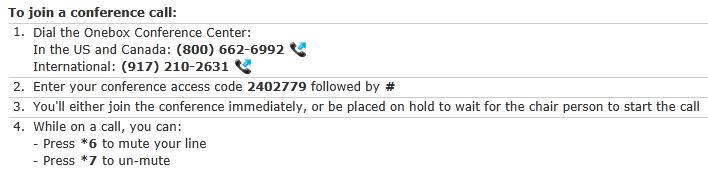
Browse Meetings4. Participate in a conference call
Follow the instructions below